
HubSpot for your voice agent
On an inbound call your voice agent recognises the HubSpot contact, logs the call to the timeline, and creates a contact when the caller is new.
Call 1800 570 693 to talk to the demo agent. Plans start at A$49 a month.
Integration record
- Status
- Available
- Plan
- Growth and Scale, from A$199 a month. CRM connectors start on Growth.
- How it connects
- One click. You sign in to HubSpot from Connected apps and approve access. There's no API key to paste.
- What it reads
- Look up the caller.
- What it changes
- Add new callers, update contact details, log the call and delete contacts.
- What starts an action
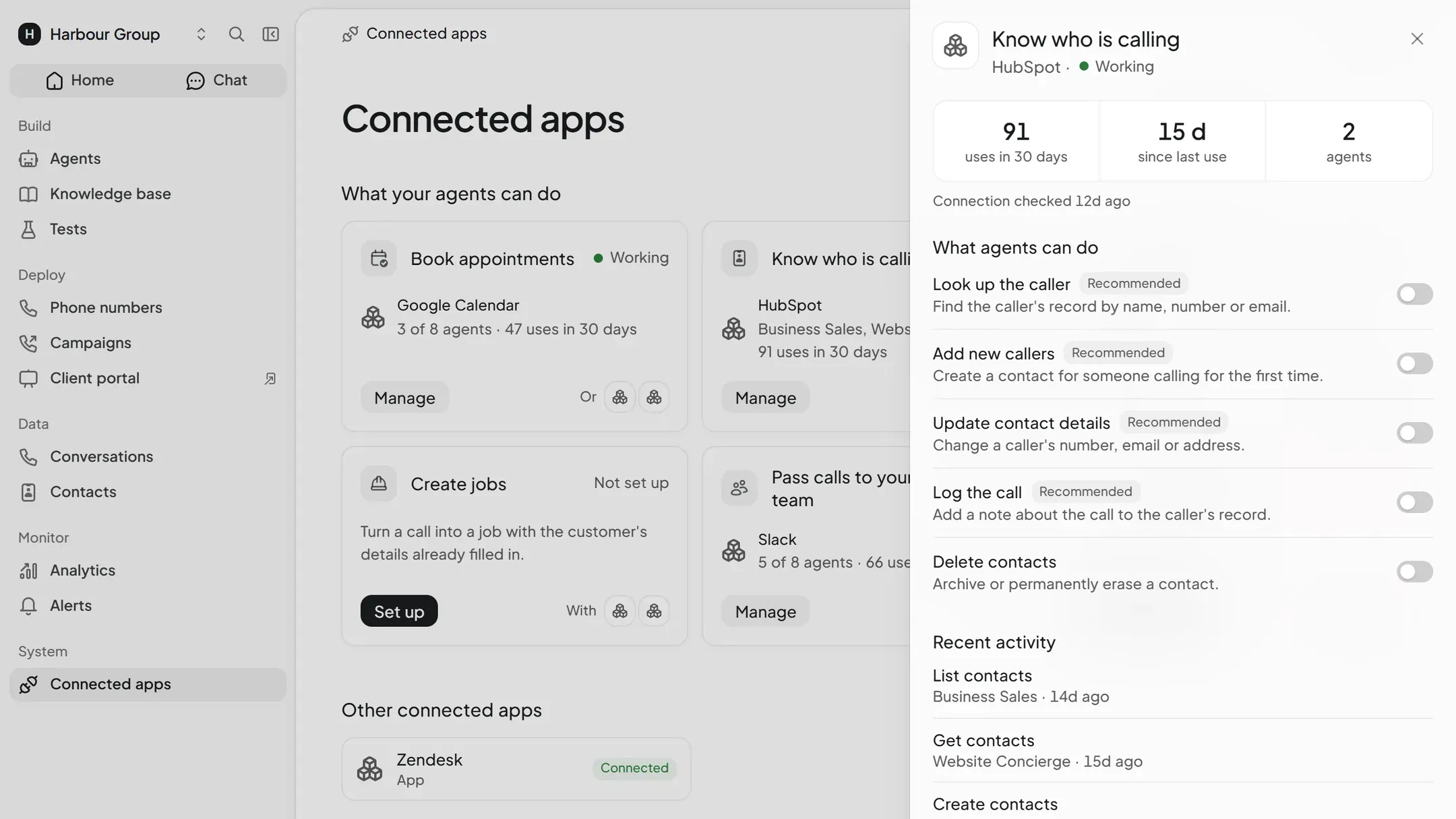
- The agent runs an action during a call or chat when the conversation needs it. It only runs the actions you switch on. Switched on when you connect: look up the caller, add new callers, update contact details and log the call.
- Custom work
- None for the actions listed here. Anything they don't cover needs a custom API tool on Scale, or a Concierge build.
- Checked
- Ready-made actions added 10 November 2026, with a connection test you run after connecting ("Ask HubSpot which account is connected"). Action list checked 14 November 2026.
On the call
Contacts greeted by name
The agent looks up the caller in HubSpot and opens with their name and last interaction.
Calls on the timeline
Each call lands on the contact's timeline with a summary and transcript, so sales and support see the same history.
New contacts
Unknown callers become new HubSpot contacts with the name, reason for calling, and any qualifying answers the agent collects.
Follow-up tasks
The agent can create a task or note on the contact so the right person picks up the thread after the call.
Ready-made actions
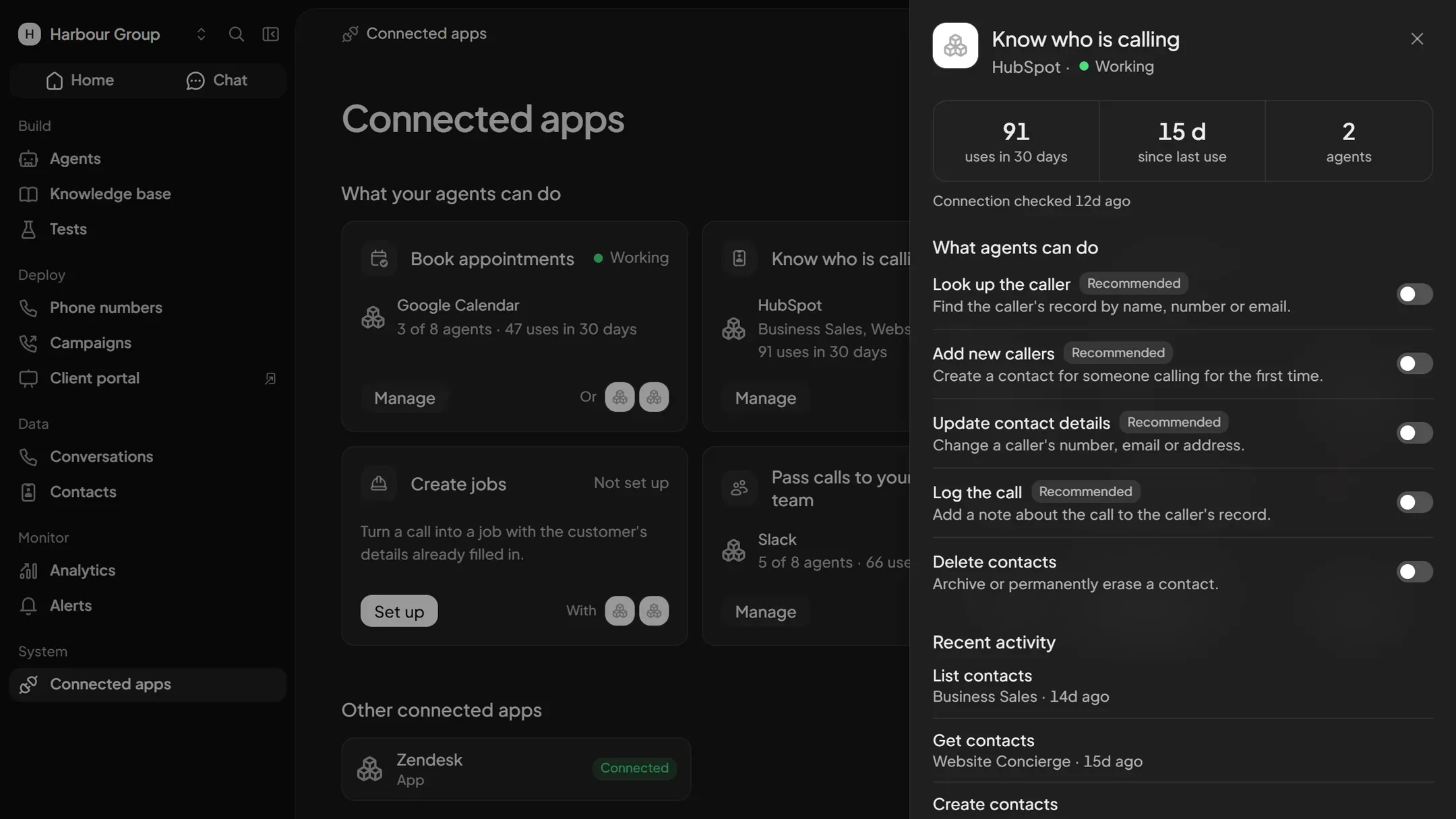
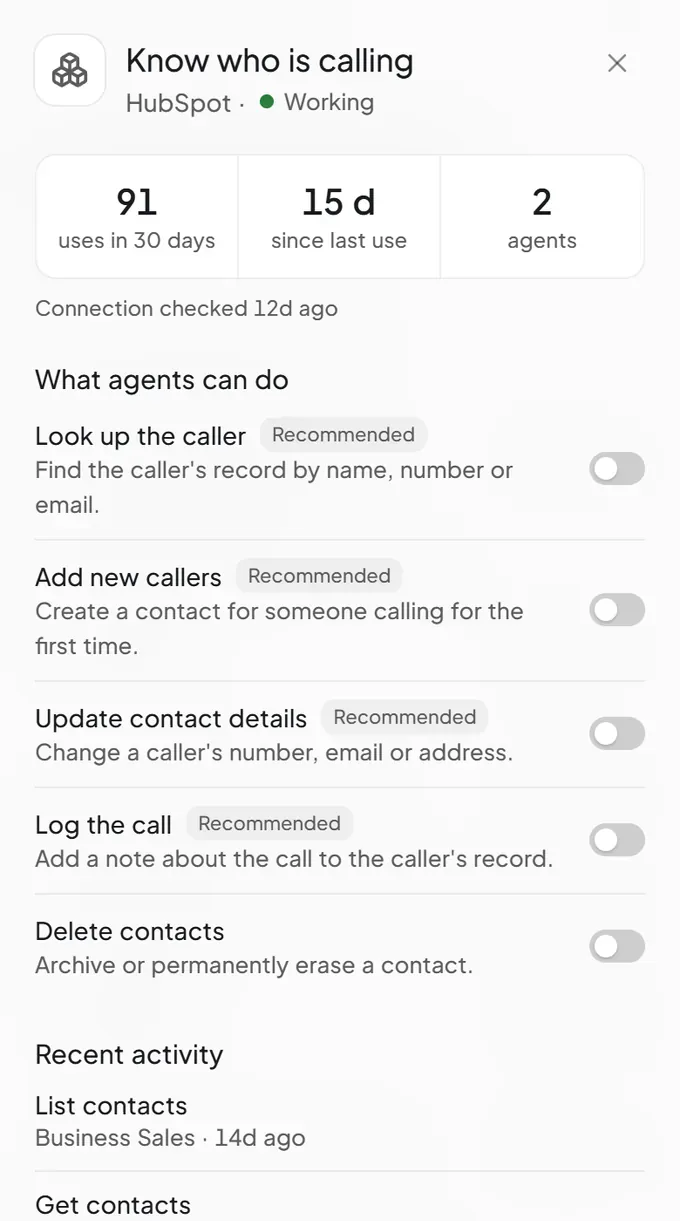
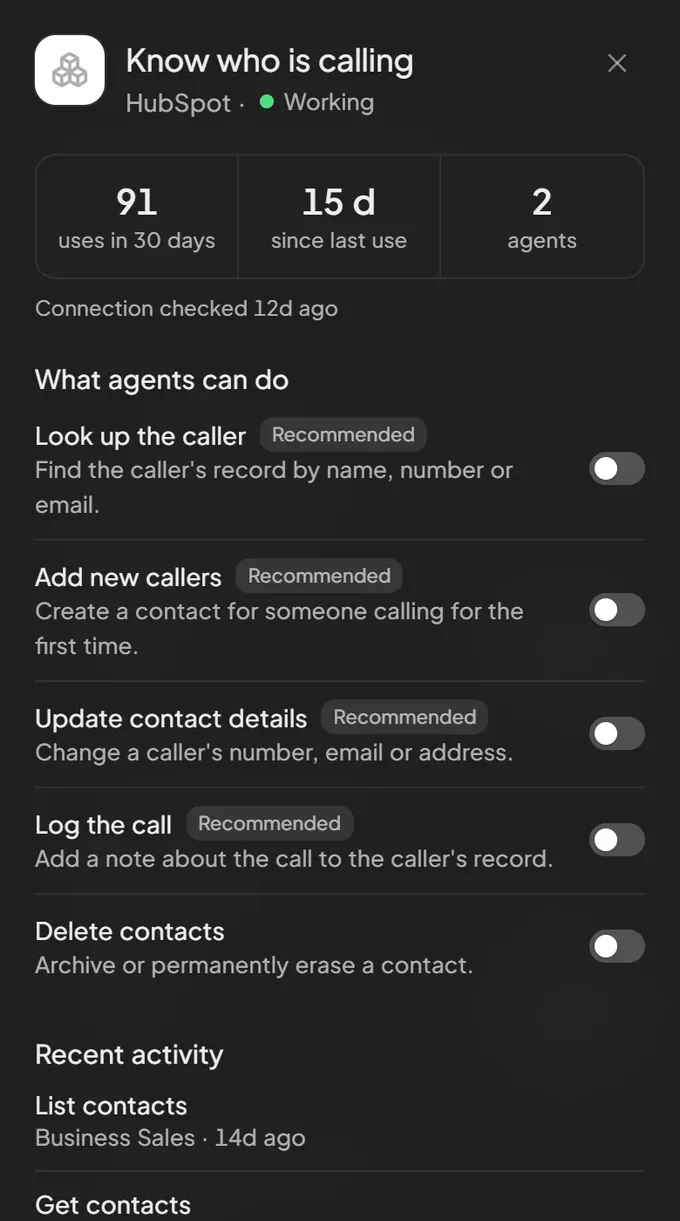
- Look up the callerFind the caller's record by name, number or email.On when connected
- Add new callersCreate a contact for someone calling for the first time.On when connected
- Update contact detailsChange a caller's number, email or address.On when connected
- Log the callAdd a note about the call to the caller's record.On when connected
- Delete contactsArchive or permanently erase a contact.Off until you switch it on
HubSpot actions
Reads 166
- Batch read companies by properties
- Batch read list memberships
- Batch read workflow ID mappings
- Batch read workflows
- Download CMS source file
- Fetch import error details
- Fetch recording settings by app ID
- Fetch revenue
- Get the variation of an A/B marketing email
- Get Account Information
- Get active imports list
- Get aggregated statistic intervals
- Get aggregated statistics
- Get all marketing emails for a HubSpot account
- Get blog post
- Get blog settings
- Get blog tag
- Get campaign
- Get campaign metrics
- Get campaigns
- Get CMS source metadata
- Get communication status
- Get company
- Get contact IDs
142 more
- Get contact sequence enrollment
- Get contact workflow enrollments
- Get CRM export status
- Get CRM list
- Get CRM list by name
- Get CRM lists by IDs
- Get deal
- Get deals
- Get emails
- Get email subscription status
- Get engagement
- Get specific event template for app
- Get exchange rate
- Get file
- Get file import status
- Get file signed URL
- Get form
- Get import record information
- Get landing page
- Get landing page draft
- Get draft version of a marketing email
- Get a revision of a marketing email
- Get revisions of a marketing email
- Get marketing event participation breakdown
- Return pipeline by id
- Get pipeline stage audit
- Get private app daily API usage
- Get product
- Get products
- Get quote by id
- Get record list memberships
- Get segment members
- Get sequence
- Get settings user
- Get site page
- Get site page draft
- Get source analytics totals
- Get the details of a specified marketing email
- Get ticket
- Get tickets
- Get workflow by ID
- Get workflow performance
- Get workflow revision
- Get all workflows
- List all engagements
- List assets
- List associated engagements
- List association labels
- List association types
- List audit logs
- List automation flows
- List blog posts
- List call dispositions
- List companies
- List company activities
- List company calls
- List company meetings
- List contact notes
- List contact properties
- List contacts
- List contact tasks
- List content templates
- List conversation channels
- List conversation inboxes
- List conversation threads
- List deal activities
- List deal meetings
- List deals
- List domains
- List email campaign IDs
- List email campaigns
- List email events
- List Emails
- List event occurrences
- List all event templates for app
- List feedback submissions page
- List forms
- List form submissions
- List granted OAuth scopes
- List landing page revisions
- List landing pages
- List login activity
- List meeting links
- List object associations
- List products
- List quotes page
- List recently modified engagements
- List sequences
- List settings users
- List site pages
- List teams
- List tickets
- List user roles
- Map legacy list ID
- Read a CRM property by name
- Read all properties for object type
- Read a page of objects by type
- Batch read associations
- Read a batch of CRM object properties
- Read batch feedback submissions by id or property
- Read batch of crm objects by id or property values
- Read batch of line items by id or property values
- Read batch of quotes by property values
- Read budget
- Read contact
- Read contacts
- Read crm object by id
- ReadEmail Email
- Read feedback submission by id
- Read legacy contact profile
- Read legacy contact profiles by email
- Read legacy contact profiles by VID
- Read a property group
- Read property groups for object type
- Retrieve all object schemas
- Retrieve all pipelines for specified object type
- Retrieve calling settings for app
- Retrieve line item by id
- Retrieve line items list
- Retrieve existing object schema
- Retrieve owner by ID or user ID
- Retrieve owners
- Retrieve page of crm owners
- Retrieve pipeline stage by id
- Retrieve pipeline stages
- Retrieve timeline event by ids
- Retrieve video conference settings by id
- Search campaigns
- Search CMS content
- Search companies
- Search contacts by criteria
- Search CRM lists
- Search crm objects by criteria
- Search deals
- Search emails
- Search feedback submissions
- Search files
- Search line items by criteria
- Search products
- Search quotes by criteria
- Search tickets
- Who Am I
Changes 135
- Add asset association
- Add token to event template
- Audit pipeline changes by id
- Batch create contact-company associations
- Batch create deal-company associations
- Batch create default associations
- Batch update quotes
- Clone marketing email
- Configure calling extension settings
- Create A/B test variation
- Create a new property group
- Create a new marketing email
- Create association for object type
- Create association label
- Create batch of feedback submissions
- Create batch of objects
- Create batch of properties
- Create batch of quotes
- Create blog post
- Create campaign
- Create campaigns
- Create campaign spend item
- Create companies
- Create company
111 more
- Create contact
- Create Contact From Natural Language
- Create contacts
- Create content template
- Create CRM Object From Natural Language
- Create CRM object with properties
- Create deal
- Create Deal From Natural Language
- Create deals
- Create default association
- Create email
- Create emails
- Create engagement
- Create event template for app
- Create feedback submission
- Create landing page
- Create line item
- Create line items
- Create list
- Create meeting
- Create note
- Create object association
- Create new object schema with custom properties
- Create or update draft version
- Create pipeline for object type
- Create pipeline stage
- Create product
- Create products
- Create property for specified object type
- Create quote object
- Create site page
- Create task
- Create ticket
- Create tickets
- Create timeline event based on template
- Create multiple timeline events batch
- Create workflow
- Enroll contact in sequence
- Enroll contact in workflow
- Import file from URL
- Merge two companies of same type
- Merge contacts
- Merge deals
- Merge emails
- Merge two feedback submissions
- Merge two line items of same type
- Merge two objects of same type
- Merge products
- Merge two quotes of same type
- Merge tickets
- Move list to folder
- Partially update CRM object by ID
- Publish landing page draft
- Publish or send a marketing email
- Publish site page draft
- Rename CRM list
- Render event detail template
- Render event header or detail as html
- Replace all properties of pipeline
- Replace pipeline stage properties
- Reset draft
- Restore a revision of a marketing email to draft state
- Restore a revision of a marketing email
- Schedule blog post
- Schedule landing page
- Schedule site page
- Set call recording settings
- Initiate data import process
- Unenroll contact from workflow
- Update a marketing email
- Update batch feedback submissions
- Update a batch of objects by id or property values
- Update blog post
- Update calling app recording settings
- Modify calling extension settings
- Update campaign
- Update a batch of campaigns
- Update companies
- Update company
- Update contact
- Update contacts
- Update specific CRM property
- Update deal
- Update deals
- UpdateEmail Email
- Update emails
- Update email subscriptions
- Update existing event template
- Update feedback submission by id
- Update landing page
- Update landing page draft
- Update line item object partially
- Update a batch of line items
- Update list filters
- Update list memberships
- Update existing object schema
- Partially update pipeline by id
- Update pipeline stage by ids
- Update product
- Update products
- Partially update property group
- Partial update quote by quote id
- Update site page
- Update site page draft
- Update ticket
- Update tickets
- Update token on event template
- Update video conference app settings
- Update workflow
- Upsert companies
- Upsert contacts
Deletes 53
- Archive batch of feedback submissions by id
- Archive batch of line items by id
- Archive batch of objects by id
- Archive batch of properties
- Archive a batch of quotes by id
- Archive companies
- Archive company
- Archive contact
- Archive contacts
- Archive a CRM object by ID
- Archive deals
- ArchiveEmail email
- Archive emails
- Archive feedback submission
- Archive line item by id
- Archive product
- Archive products
- Archive property by object type and name
- Archive property group
- Archive quote object by id
- Archive ticket
- Archive tickets
- Batch archive association labels
- Batch archive associations
29 more
- Cancel active import
- Delete association label
- Delete call
- Delete calling extension settings
- Delete campaign
- Archive a batch of campaigns
- Permanently delete company for GDPR compliance
- Permanently delete contact for GDPR compliance
- Delete CRM list
- Archive deal (GDPR permanent delete not supported for deals)
- Permanently delete line items for gdpr
- Delete a marketing email
- Delete meeting
- Delete note
- Delete pipeline by id
- Delete pipeline stage by id
- Delete schema by object type
- Delete task
- Delete timeline event template
- Delete video conferencing app settings
- Delete workflow
- Permanently delete contact via GDPR
- Remove asset association
- Remove association between CRM records
- Remove association from schema
- Remove contact secondary email
- Remove deal
- Remove settings user
- Remove token from event template
HubSpot setup
Signing in to HubSpot
Choose HubSpot in Connected apps and approve its consent screen. Your tokens stay with our connection broker and never reach the agent.
Choosing the actions
The ready-made actions start in their default state. Switch any of them on or off for each agent.
Testing, then publishing
Watch the agent use the live app in the browser tester, then publish. Voice and text agents share the connection.
Questions
Contacts, companies, deals, and engagements (calls, notes, tasks). You pick exactly which actions the agent may use when you connect it.
The agent looks the caller up first and only creates a contact when there's no match.
More integrations





Get started
Tell us what your callers ring about, and we build and test the agent for you.